


Hour after hour spent hunched over a keyboard places steady pressure on the spine, and many employees feel the effects long after the workday ends.
As awareness of the problem grows, more offices are rethinking the way their teams work, and the desk itself is getting a second look.
The most effective approach is not to stand all day, but to alternate between the two postures. A standing desk can reduce back pain by about 13% over 3 months among desk workers who follow a structured sit-stand routine. Timing and setup make the difference.
How Standing and Working Eases Lower Back Pain

The Griffith University-led trial recruited 56 desk-based workers who had experienced lower back pain within the month before the study began and already had access to a sit-stand desk.
Participants were split into two groups, where one followed a fixed 30:15 sit-stand ratio, alternating 30 minutes of sitting with 15 minutes of standing throughout the workday. The other used a personalized approach, choosing their own ratio based on comfort or preference.
After three months, both groups saw improvements, but the results were not equal. The fixed-ratio group reduced their worst lower back pain by 1.33 points and their average pain by 0.83 points on a 10-point scale.
The personalized group saw a smaller reduction in worst pain only, at 0.69 points, with no significant change in average daily pain.
The researchers noted that adherence likely explains much of the gap. Participants on the fixed schedule followed it more consistently, which they attributed to the routine’s clear structure and predictability.
Those using the self-selected approach had more flexibility, but that flexibility appeared to result in less consistent engagement over time.
The fixed-ratio group also reported additional benefits beyond pain relief, including lower job-related stress, improved concentration, and reduced presenteeism – outcomes the personalized group did not see to the same degree.
Why Sedentary Jobs Take a Toll on the Spine
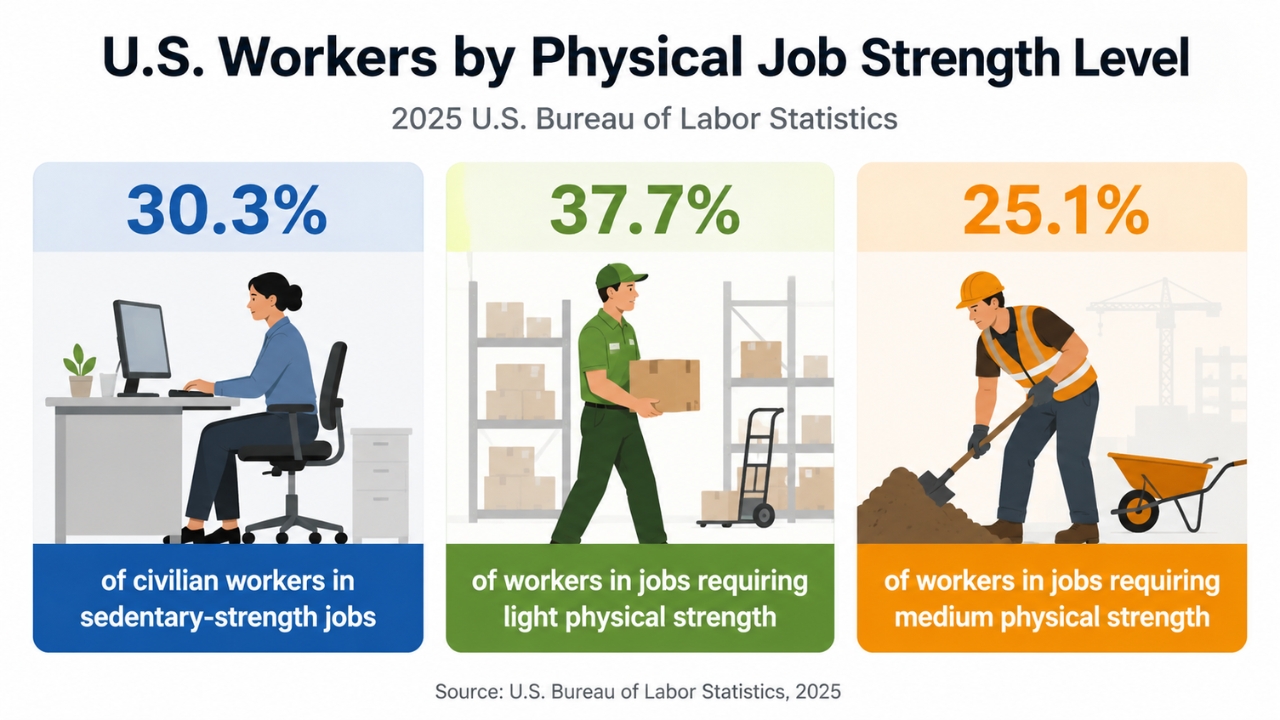
The average office job asks very little of the body, and that is the problem. Roughly 80% of American employees hold sedentary jobs, which means the vast majority spend most of the day in a chair.
Over time, prolonged sitting weakens the muscles that support the spine, tightens the hips, and encourages the slouched postures that load the lower back unevenly.
Recent labor data also shows that sedentary work remains common, even if it should not be overstated.
In 2025, the U.S. Bureau of Labor Statistics classified:
That matters because the body can tolerate sitting, but it does not respond well to being held in one position for hours.
Sitting Changes How the Back Carries Load
When a person sits for long periods, the muscles that help stabilize the spine do less active work.
The hips stay flexed, the glutes remain underused, and the core muscles may fatigue. As the workday goes on, posture often shifts from upright and supported to rounded and compressed.
That slouched position changes how force moves through the body.
Instead of the head, shoulders, and pelvis staying aligned, the upper body drifts forward, increasing demand on the neck, upper back, and lower back.
The strain may seem minor at first, but repeated daily exposure can make it harder for the spine to recover between workdays.
The Hips and Core Also Play a Role

Desk-related back pain is not only a spinal issue. The hips, pelvis, and trunk all help control how the lower back moves.
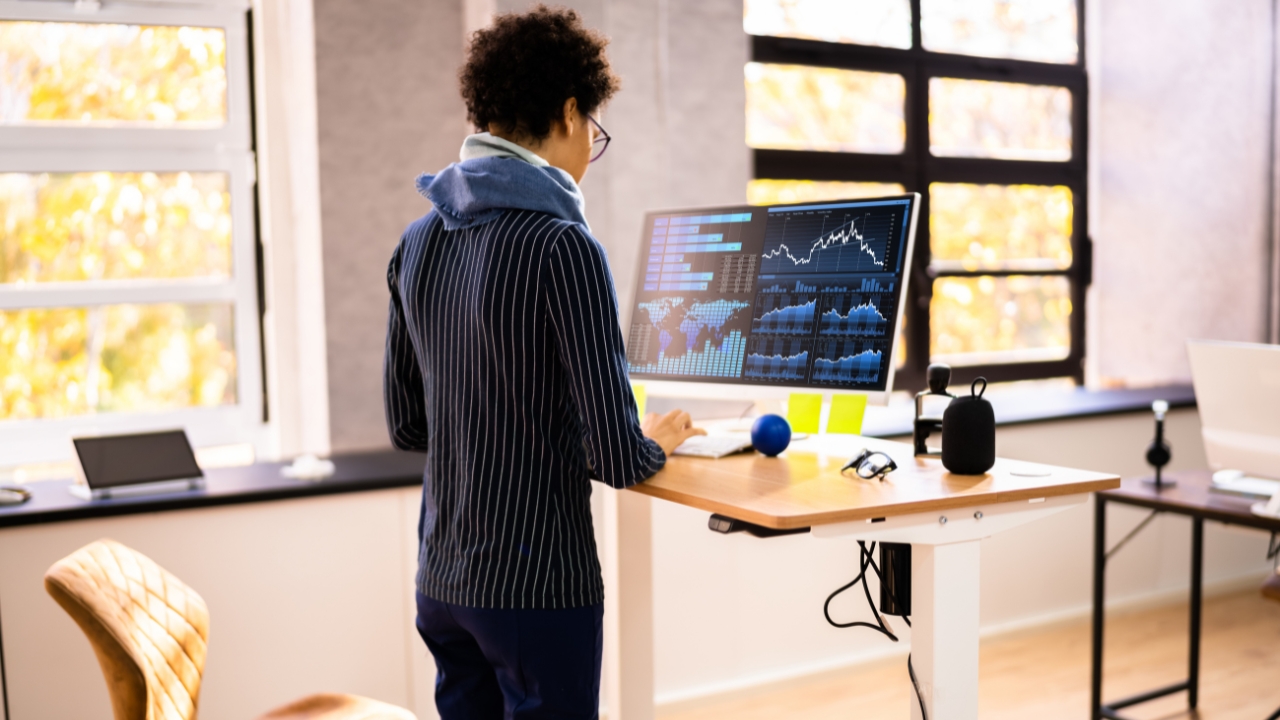
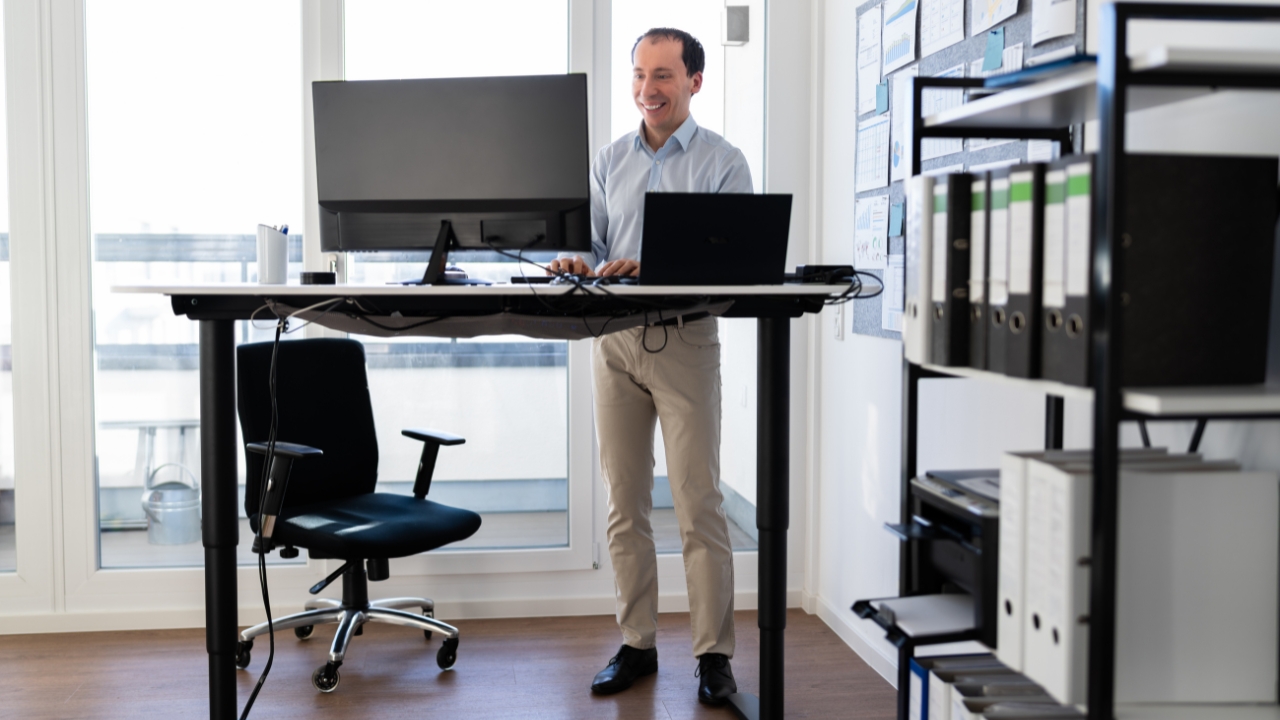
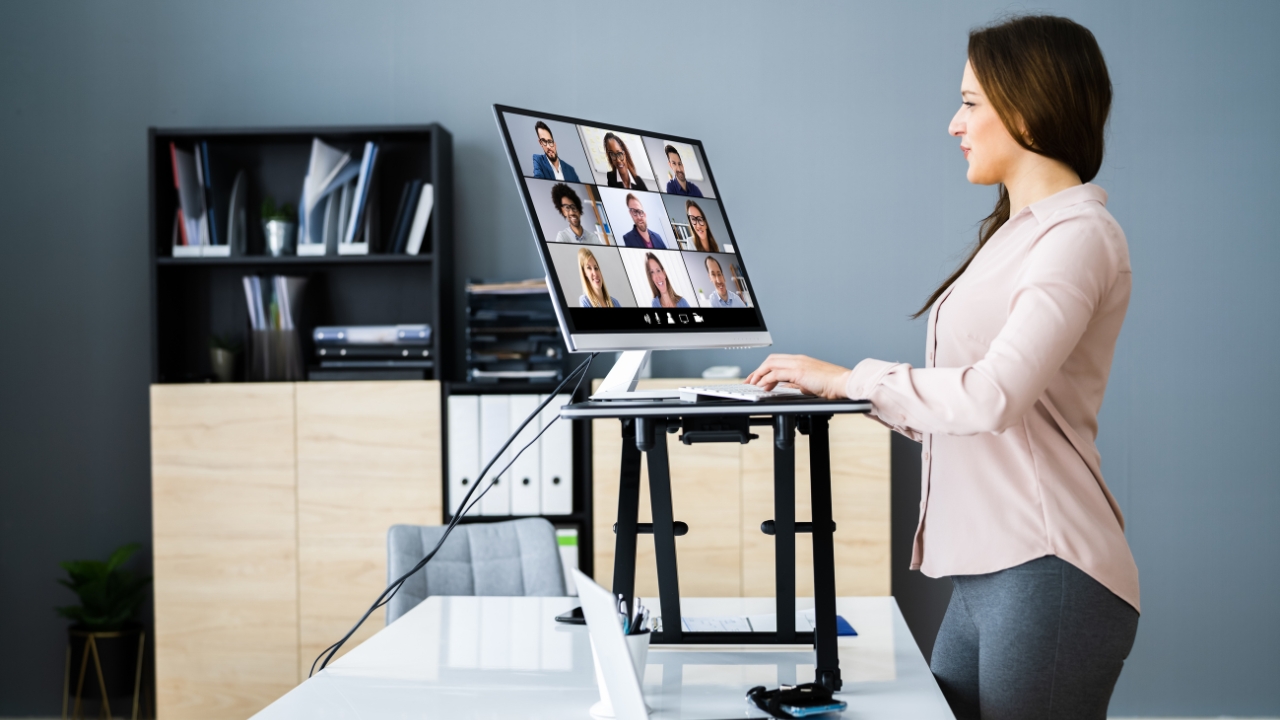
This helps explain why lower back pain often feels worse after hours at a desk, even without a sudden injury. The problem is usually a gradual buildup of stiffness, fatigue, and reduced movement. The discomfort tends to develop in stages. A mild ache after a long meeting can become a persistent twinge after several hours at the computer. If the pattern continues, it can turn into daily pain that affects focus, mood, and sleep. For employers, that can mean more absence and lower productivity. For workers, the effects often continue after office hours, making commuting, exercise, household tasks, and rest more difficult. Sitting is not automatically harmful, and standing all day is not the answer. The bigger issue is stillness. Holding any posture too long allows stiffness and strain to build, whether a person is sitting or standing. A healthier workday uses both positions more deliberately. Sitting may be better for focused writing, detailed work, or tasks that require sustained concentration. The damage is not inevitable. Regular posture changes give the spine, hips, and supporting muscles a chance to reset before discomfort becomes harder to ignore. Standing briefly, walking during calls, stretching between tasks, and adjusting the monitor or keyboard can all reduce unnecessary strain. A standing desk is useful because it makes those changes easier to repeat. Its value does not come from standing longer, but from making movement a normal part of the workday. Anyone using a height-adjustable desk for the first time eventually asks the same question – “How long should each standing session last?” A schedule of 30 minutes of sitting followed by 15 minutes of standing has proven more effective at easing lower back pain than ratios workers choose for themselves. Workers who followed that fixed rhythm saw their worst daily pain drop by 1.33 points on a 10-point scale over three months, which is a roughly 13% reduction. The fixed schedule matters because most people misjudge their own habits. Left to their own devices, many stand too little, stand too infrequently or only rise once discomfort has already set in. A structured rhythm removes the guesswork and keeps position changes consistent across the entire workday rather than concentrated in the morning when motivation is highest. After a few weeks, most workers find the alternation becomes automatic, and the 15-minute standing intervals feel like a natural part of the day rather than an interruption. Less back pain is the main draw, but the benefits of standing desks reach beyond the spine. Workers who alternate positions throughout the day often notice several other improvements. That said, the chair still has its place. Sitting remains the right choice for certain tasks, and comfort matters for sustained concentration. The aim is a workday where each posture gets used for what it does best, not a workday spent entirely on either one. A height-adjustable desk only helps when the workstation is set up correctly. Poor positioning can shift strain from the lower back to the neck, shoulders, wrists, or feet, especially if a worker stands longer without improving posture. Start with the screen and keyboard, since they control the position of the head, arms, and upper back. OSHA recommends arranging computer workstations so the body can stay in neutral positions, with the head and neck aligned with the torso and the workstation adjusted to avoid awkward posture. The goal is to keep the shoulders relaxed and the head balanced over the spine. If the screen is too low, the neck bends forward. If the keyboard is too high, the shoulders rise, and the wrists take more strain. Either problem can make standing less comfortable and reduce the benefit of the desk. Standing posture matters as much as desk height. Workers should distribute weight evenly across both feet instead of leaning onto one hip or resting heavily on the desk. Leaning may feel comfortable for a few minutes, but it shifts the load back through the spine and can bring back the same pressure the desk is meant to reduce. Comfort also depends on the floor setup. Supportive shoes can make standing intervals easier, and an anti-fatigue mat may help reduce foot and leg discomfort during longer sessions. The knees should stay relaxed rather than locked, and small weight shifts are better than standing completely still. A sit-stand workstation has to work in two modes, not just one. A desk that feels right while standing may still be too high or too low when seated, especially if the chair, monitor, and keyboard are not adjusted together. Before settling into a routine, workers should check the setup while sitting and standing. Getting these details right pays off beyond the lower back. Proper office ergonomics can help reduce strain on the neck, shoulders, and wrists, while making it easier to use the desk consistently. Standing and working stick best when it starts small. A worker who is used to sitting all day may feel foot, calf, or hip soreness if they suddenly stand for long blocks of time. Shorter intervals are easier to repeat and less likely to cause new discomfort. The habit becomes easier when position changes are tied to normal parts of the workday. Timers and desk presets can help during the first few weeks. A reminder removes the need to watch the clock and keeps position changes from being delayed until pain appears. Once the rhythm becomes familiar, the routine usually feels less disruptive. Standing for hours on one day and sitting through the rest of the week is unlikely to help much. The benefit comes from repeated posture changes across the workday. A modest routine that workers follow daily is more useful than an ambitious plan that quickly becomes uncomfortable. Mild soreness in the feet or calves can happen early on, especially for people who rarely stand at work. That does not mean the desk is a bad fit, but it is a sign to reduce standing time, adjust footwear, or check the workstation setup. Standing should feel like a manageable posture change, not an endurance test. Back pain rarely has a single cause, and no desk can solve every case on its own. For the millions of employees who spend their days seated, though, alternating between sitting and standing offers a simple, low-cost way to take pressure off the spine. With a sensible ratio, a properly arranged workstation, and a little patience, most desk workers can expect meaningful relief within a few months.
Pain Often Builds Gradually
Stillness Is the Bigger Problem
Small Changes Can Interrupt the Cycle
How to Find the Right Sit-Stand Ratio

What Standing Desks Offer Beyond Pain Relief
How to Set Up a Standing Desk for Back Pain?
Keep the Lower Body Supported
Check the Setup in Both Positions
How to Make Standing and Working a Lasting Habit?
Consistency Matters More Than Duration
Closing Thoughts